Your sound.Your studio.No subscriptions.
Thirty three free tools to make, mix, edit and master music and video. Everything runs on your device, with no signup and nothing uploaded.
Try a beat. Tap the squares.
Press play, then tap squares to change the beat.Keep going in the Studio
Free, no signupOpen a tool and start. There are no accounts or payments.
Private by designAudio and video are processed on your device and never uploaded.
Works offlineInstall it as an app on your computer or phone and use it without a connection.
Make
Start from silence or from a loop. Record, program, play and arrange.
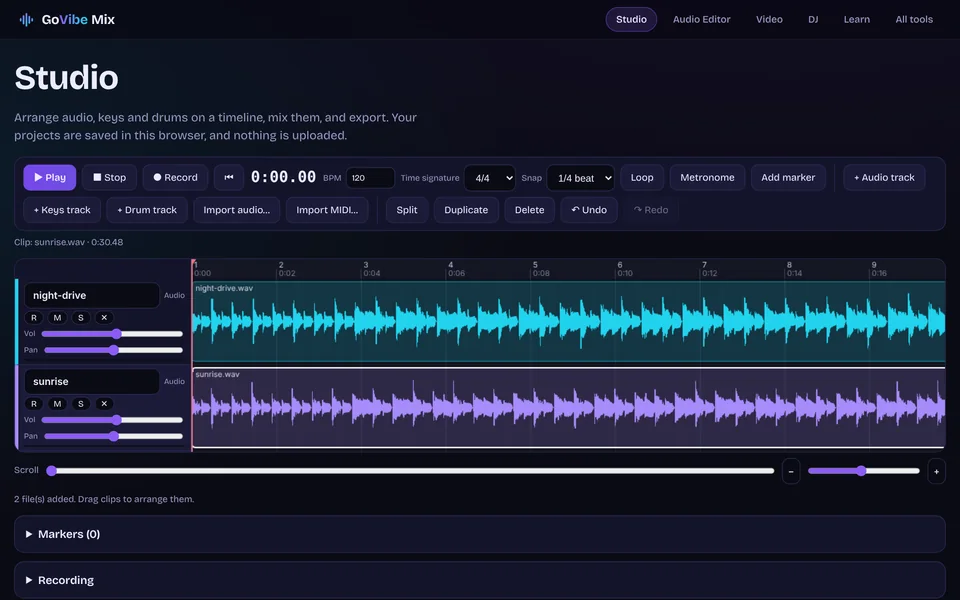
Multitrack Studio New
Record, arrange and mix audio, keys and drum tracks on a timeline. Piano roll, loops, mixer, WAV and MP3 export.
Open Multitrack Studio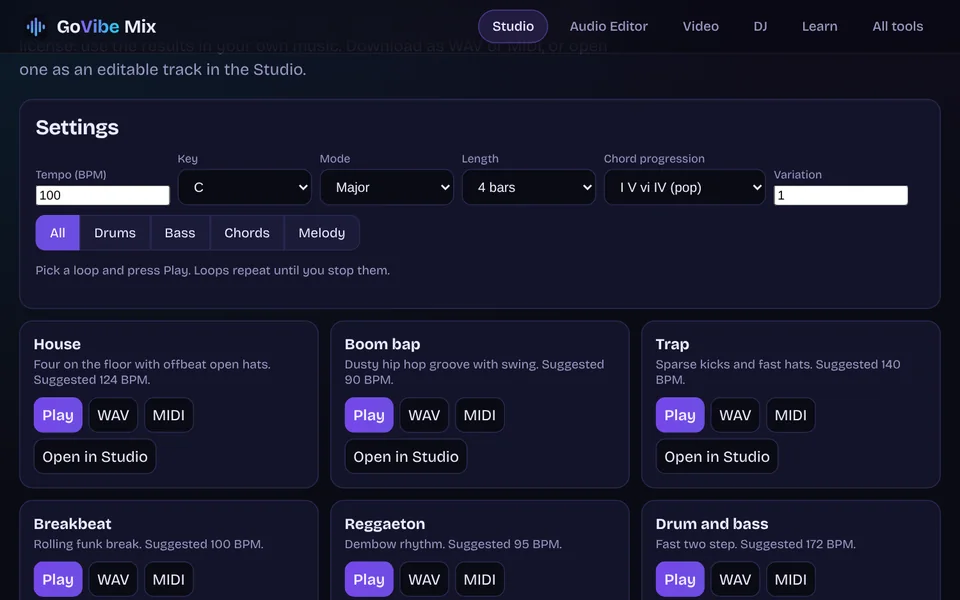
Loop maker New
Drum, bass, chord and melody loops in your key and tempo. WAV, MIDI, or open in the Studio.
Open Loop maker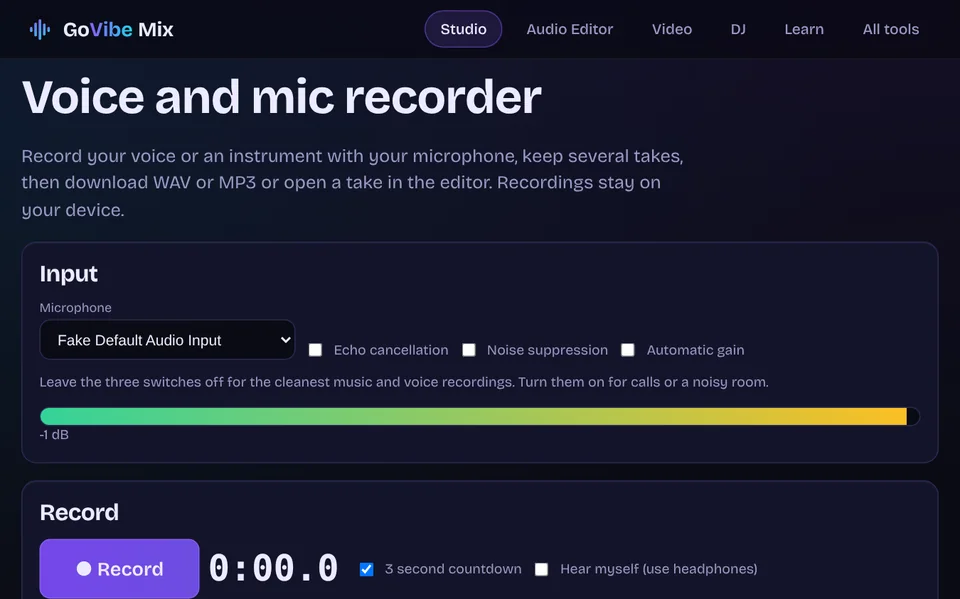
Voice recorder New
Record your voice or an instrument, keep several takes, download WAV or MP3.
Open Voice recorder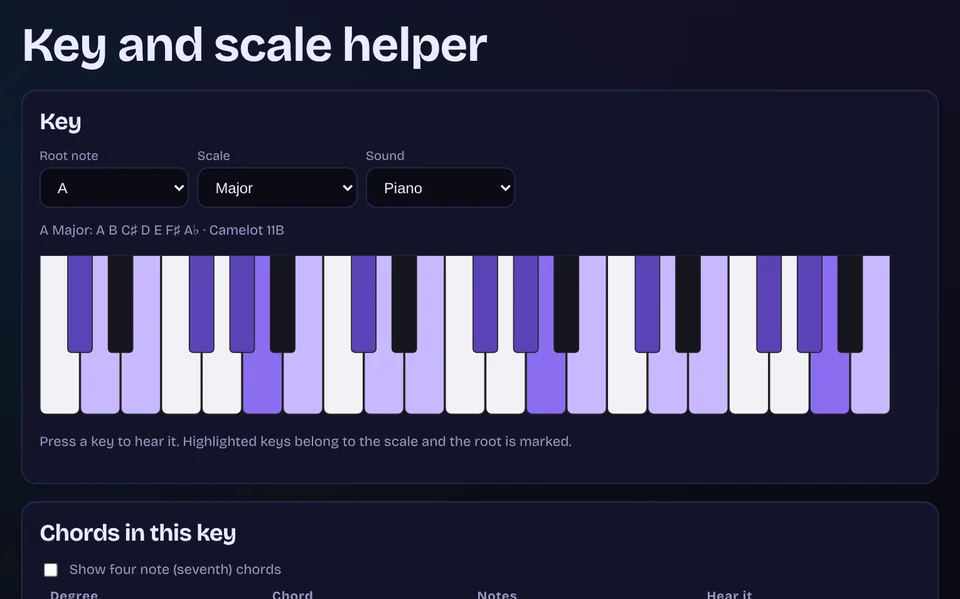
Key and scale helper New
Scales, chords in a key, DJ compatible keys and a scale finder on a playable keyboard.
Open Key and scale helper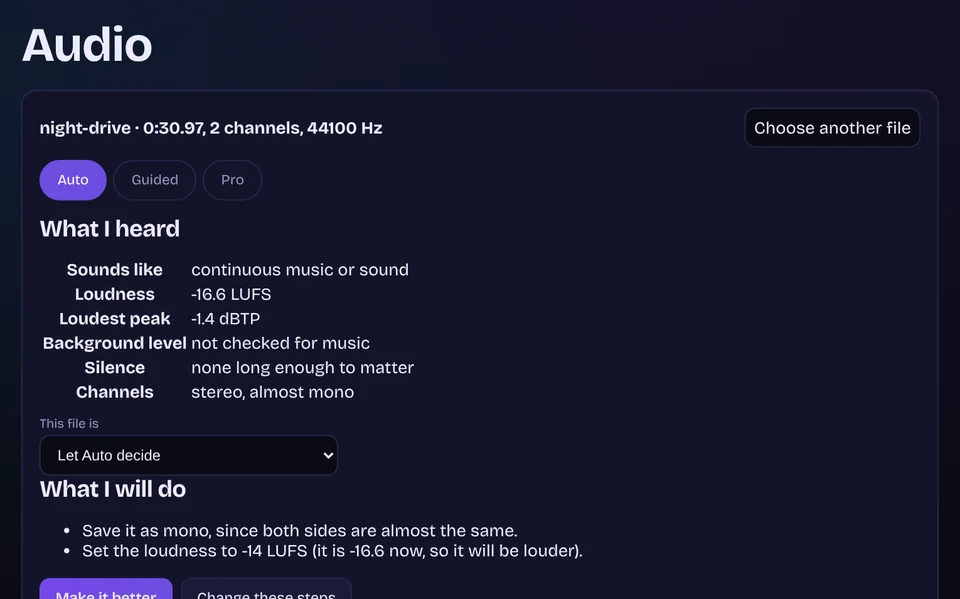
Audio New
Auto fixes it, Guided lets you choose, Pro opens the full editor.
Open Audio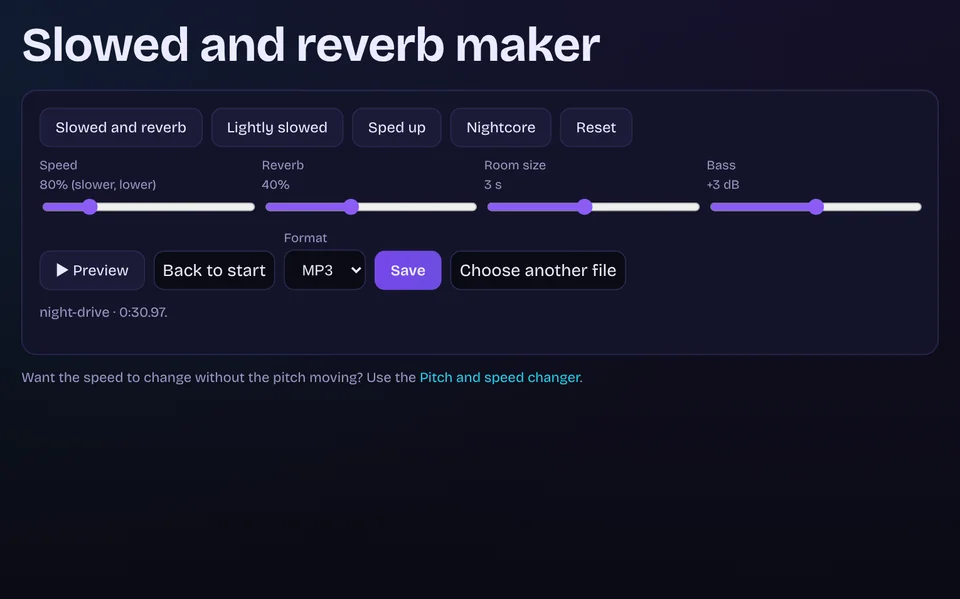
Slowed and reverb maker New
Slowed, sped up or nightcore versions with reverb and a live preview.
Open Slowed and reverb maker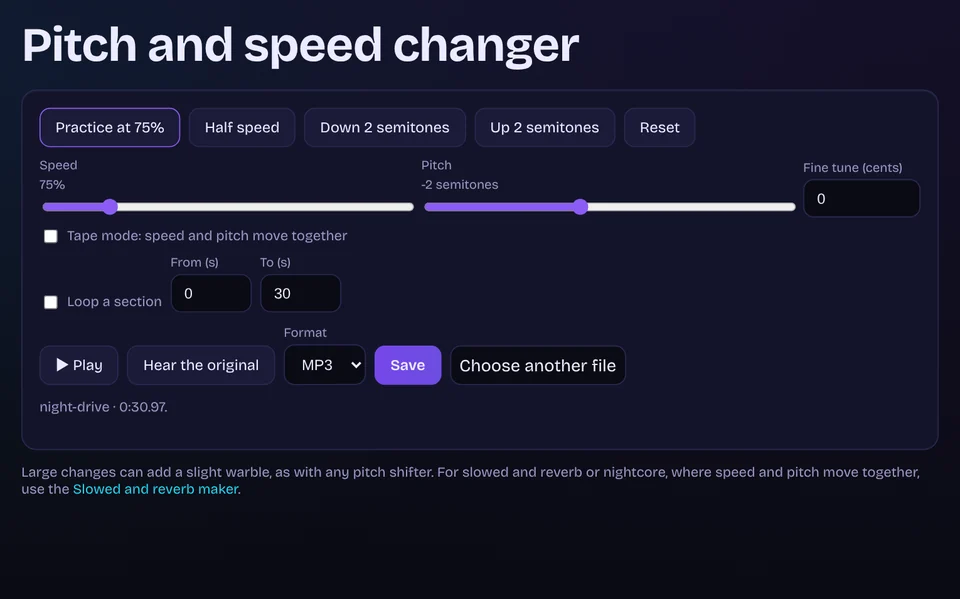
Pitch and speed changer New
Change key or tempo on their own, loop a section and save it.
Open Pitch and speed changer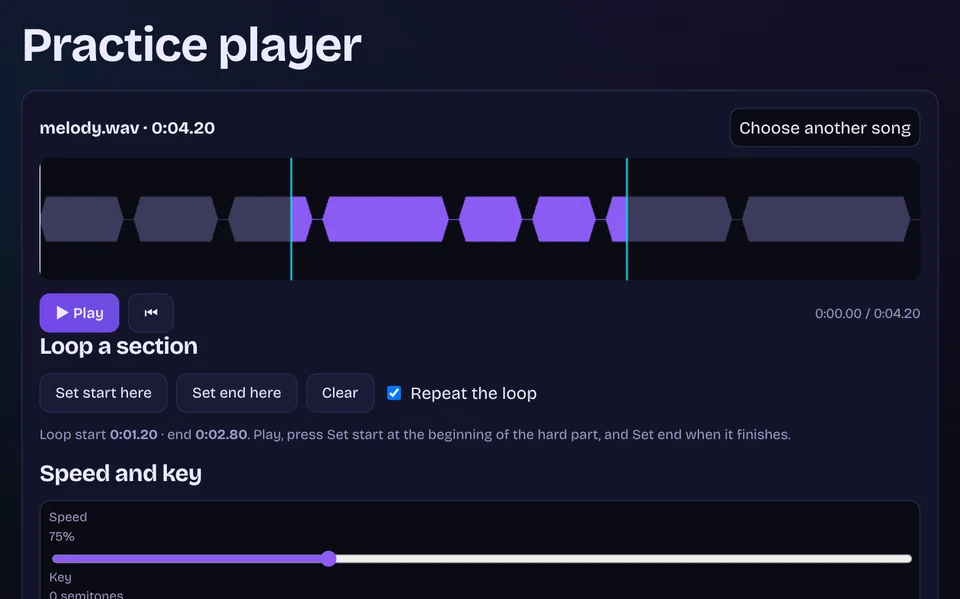
Practice player
Slow a song down, change its key, loop a section and mute parts.
Open Practice player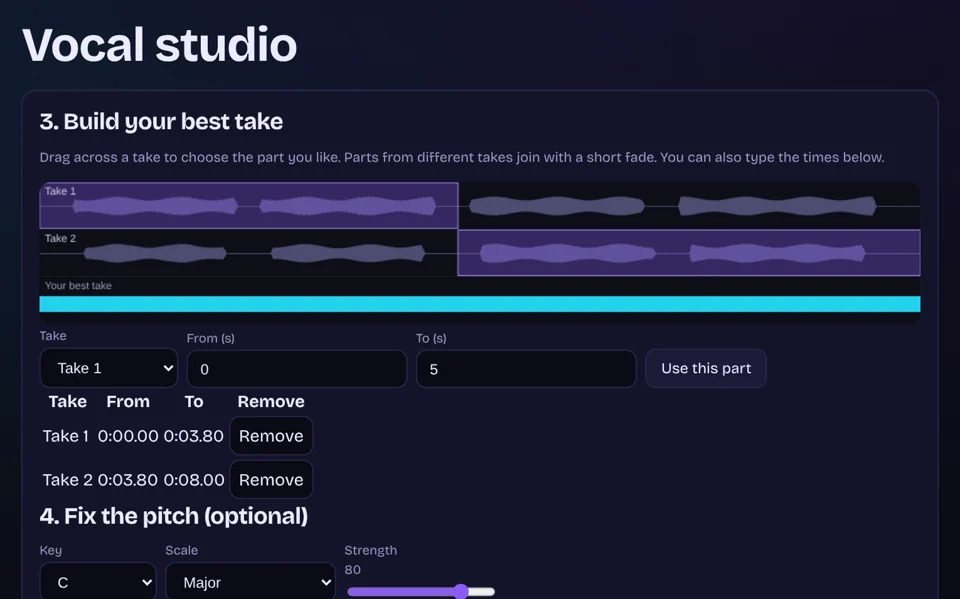
Vocal studio
Record takes, keep the best parts, fix the pitch and polish the sound.
Open Vocal studio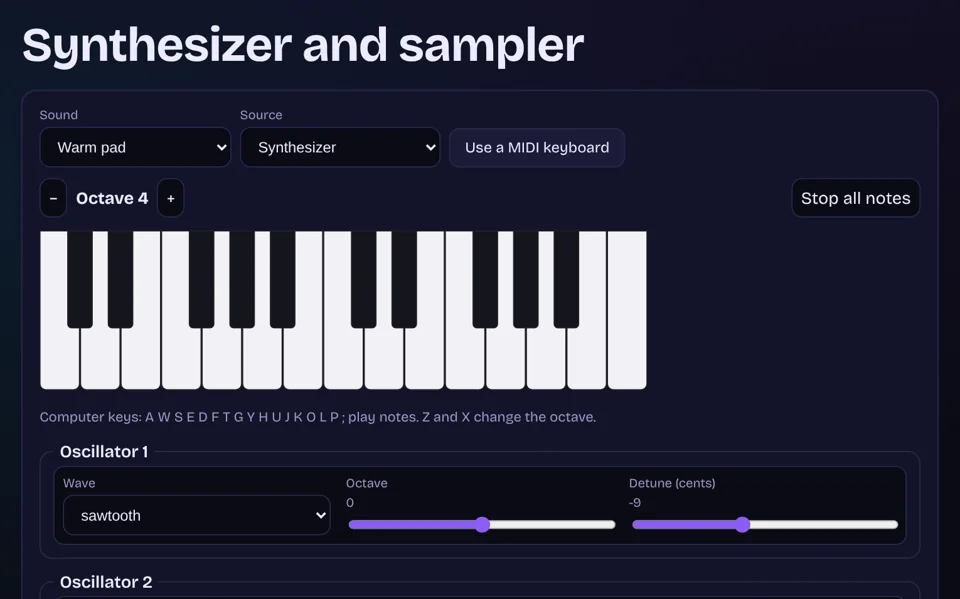
Synthesizer and sampler
Design a sound or play your own sample, then record a riff.
Open Synthesizer and sampler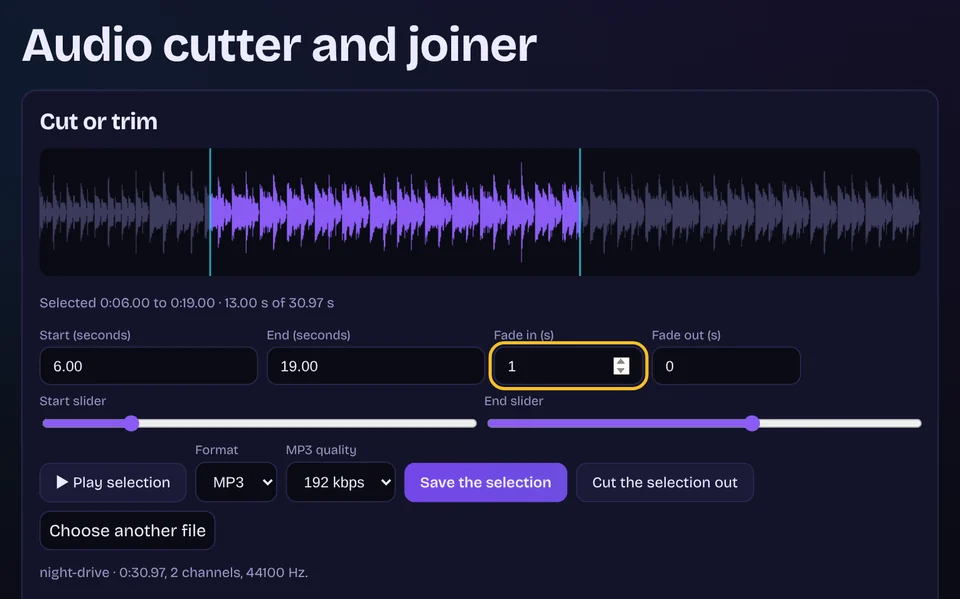
Audio cutter and joiner New
Trim a song, cut a part out, add fades, or join files into one.
Open Audio cutter and joiner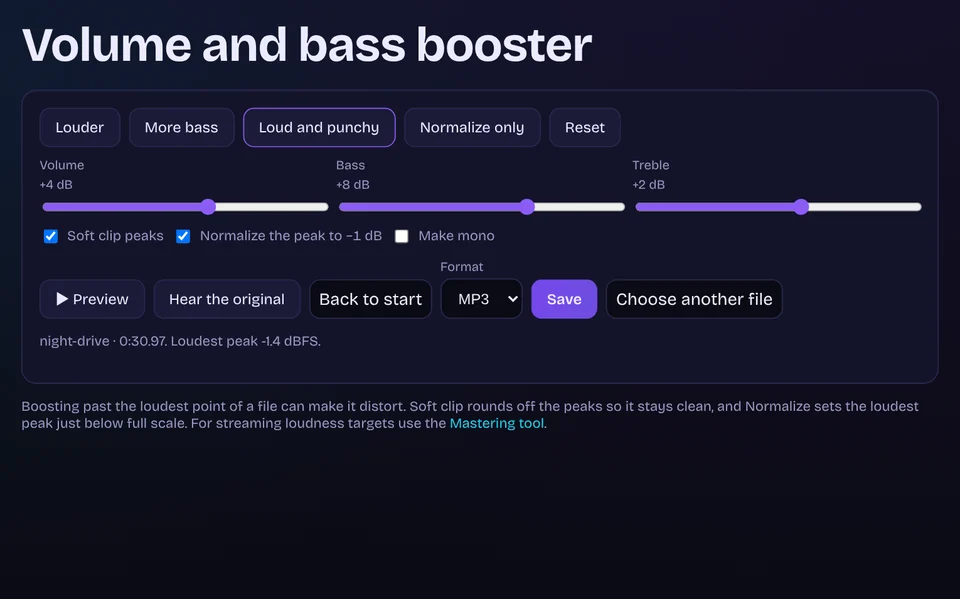
Volume and bass booster New
Make it louder, add bass, preview live, normalize and save.
Open Volume and bass booster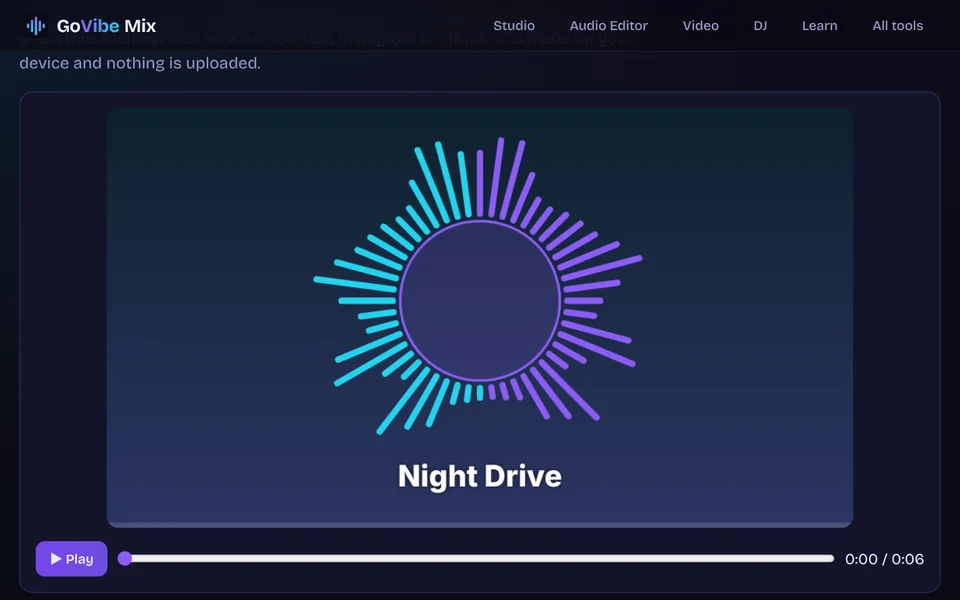
Music visualizer New
Turn a song into an MP4 video with moving bars, your cover art and a title.
Open Music visualizer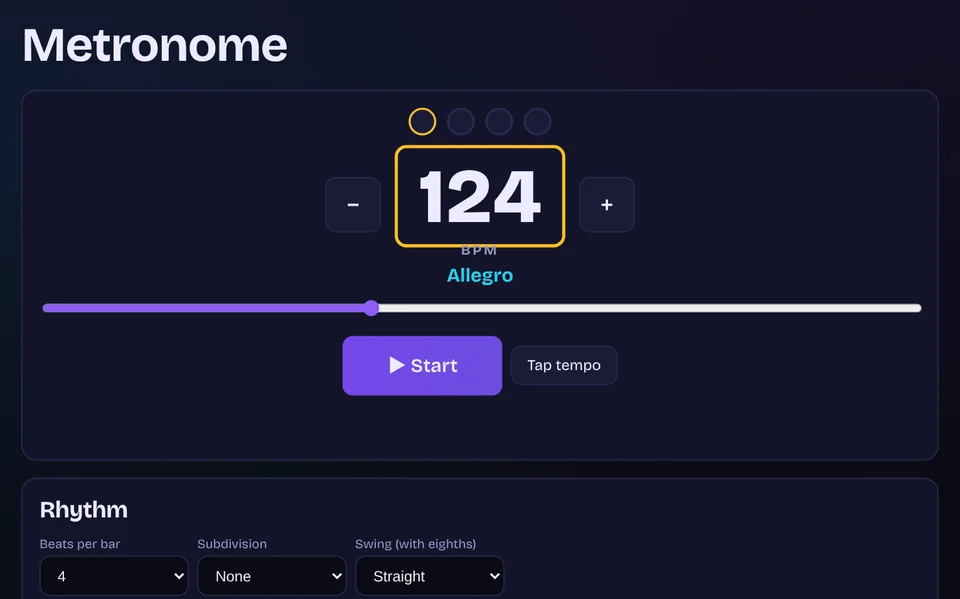
Metronome New
Tap tempo, accents, subdivisions, swing and a trainer that speeds up as you practise.
Open Metronome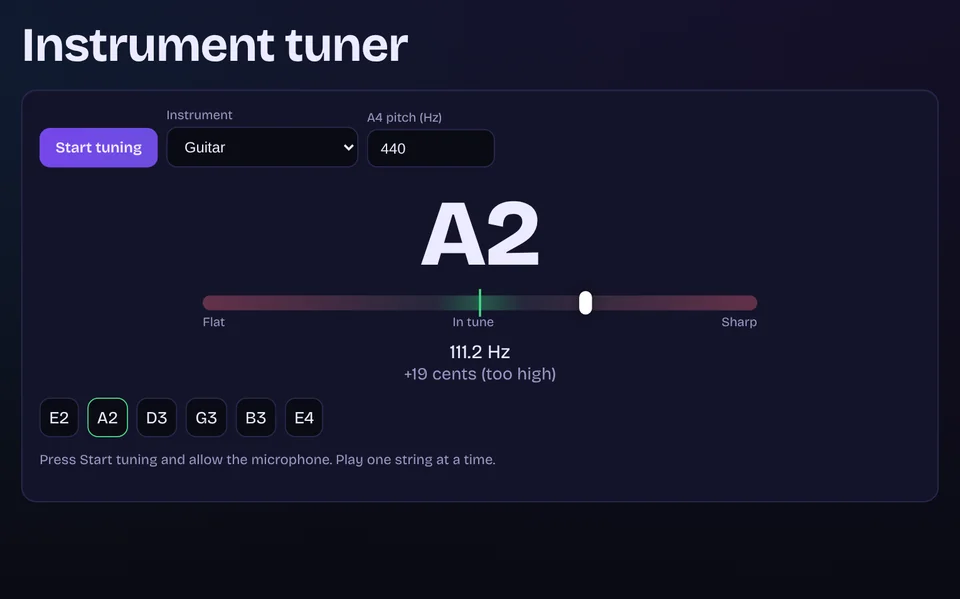
Tuner
Tune a guitar, bass, ukulele or violin by ear with your microphone.
Open Tuner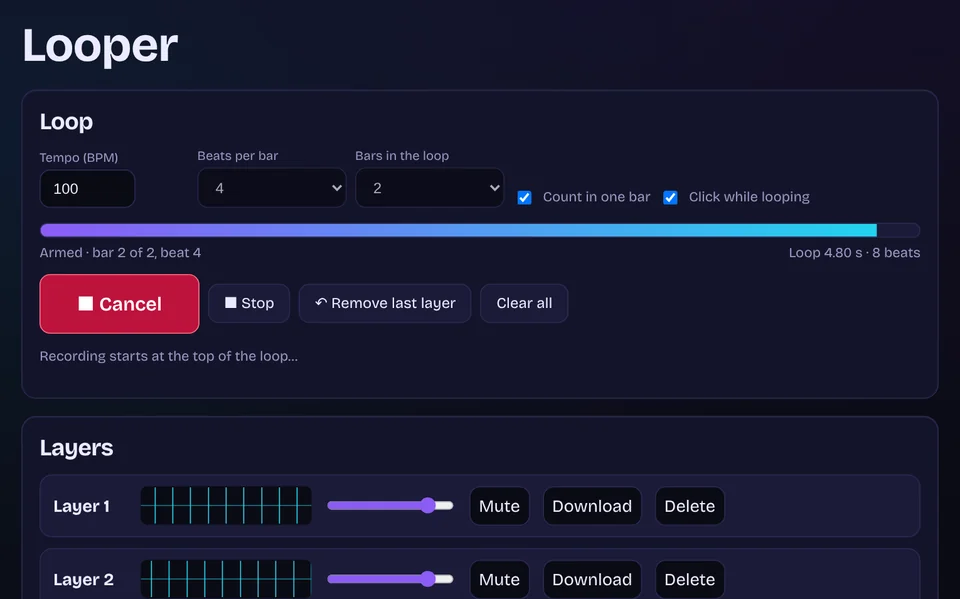
Looper New
Record a loop in time, layer overdubs on top, mix and download. Built for singers, guitarists and beatboxers.
Open Looper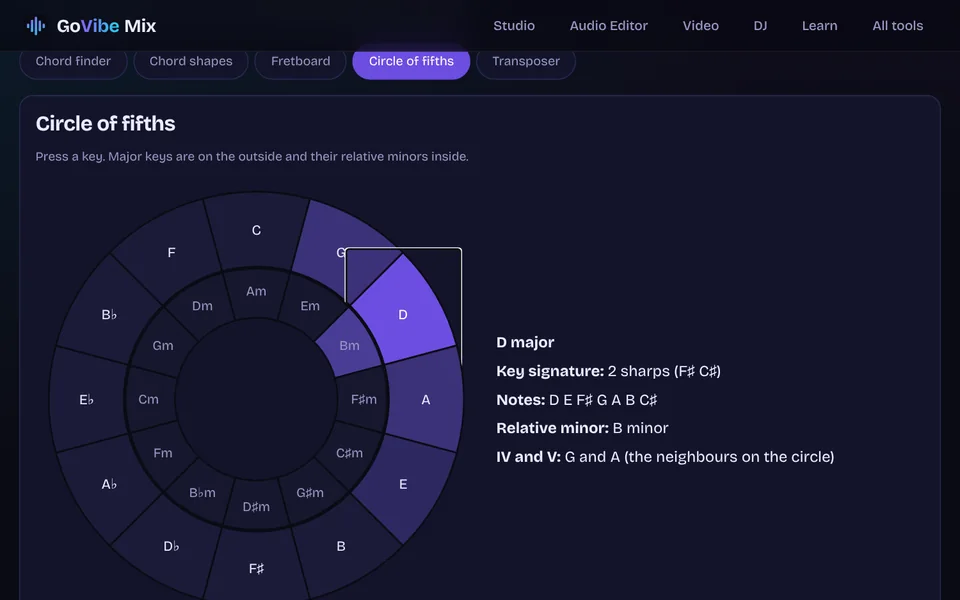
Chord and fretboard tools New
Chord finder, guitar and ukulele shapes, fretboard map, circle of fifths and a chord chart transposer.
Open Chord and fretboard toolsEdit and finish
Clean up, cut, convert and bring your tracks to release level.

Video Editor
Let Auto edit your footage, pick a template, or take full control, then export.
Open Video Editor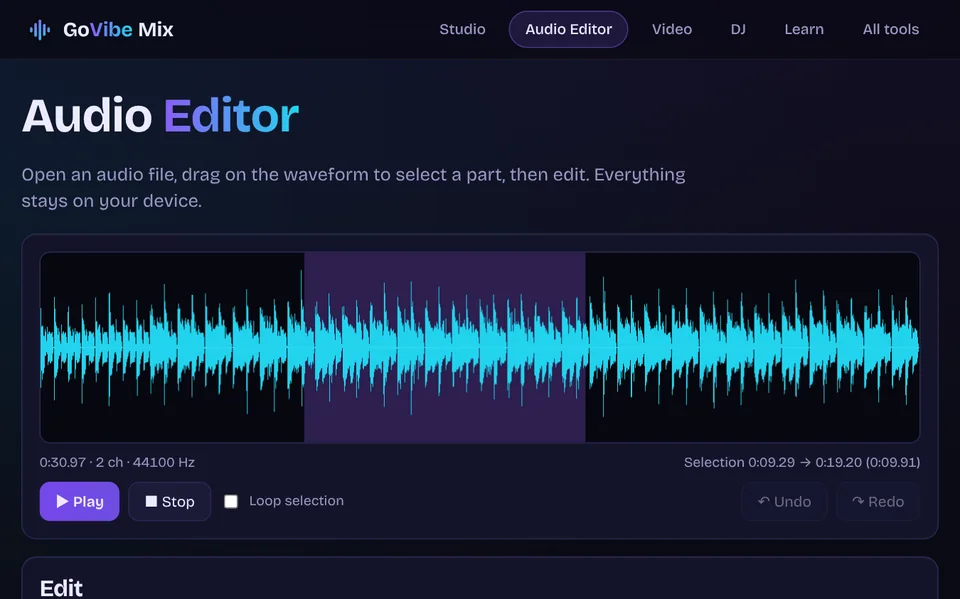
Audio Editor
Trim, cut, fade, change speed and pitch, EQ and noise gate. Export WAV or MP3.
Open Audio Editor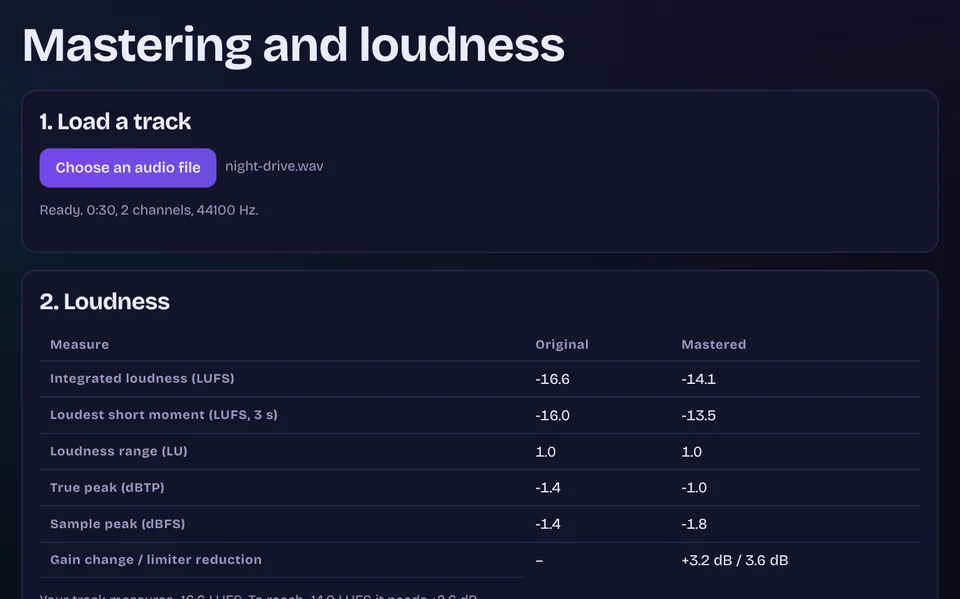
Mastering New
Measure LUFS and true peak, match streaming loudness, limit, compare and export.
Open Mastering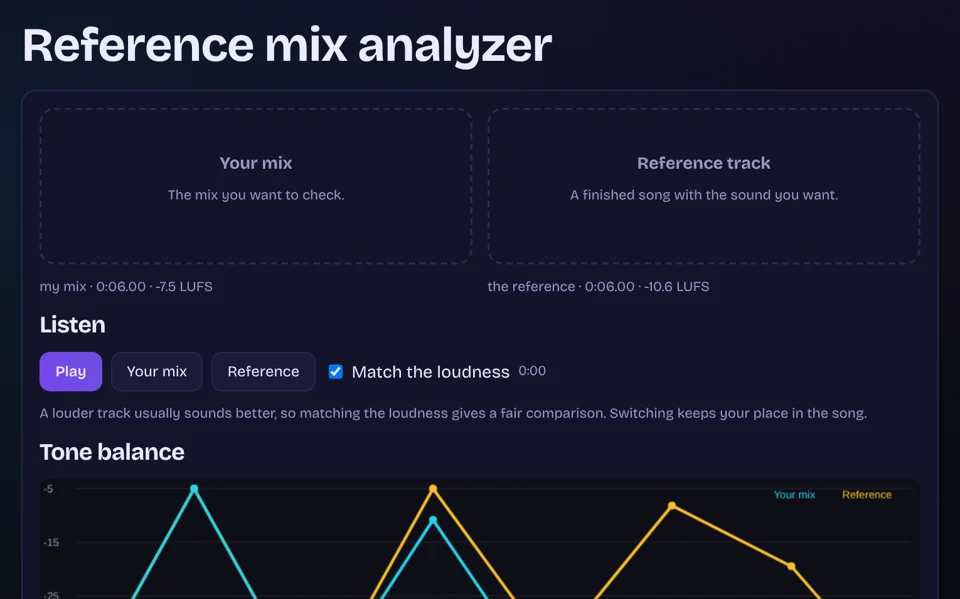
Reference mix analyzer
Compare your mix with a track you like and get plain advice.
Open Reference mix analyzer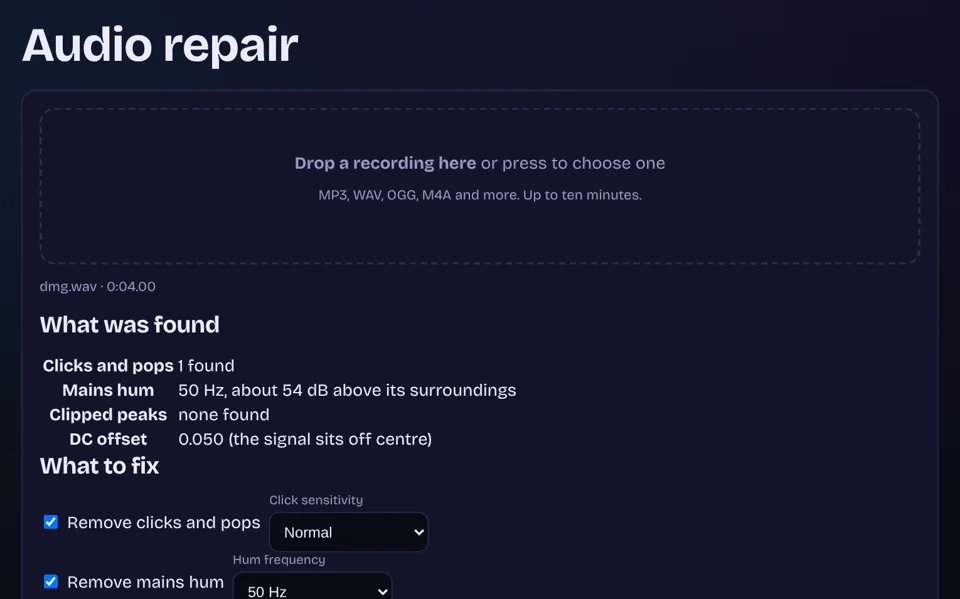
Audio repair
Fix clicks, hum, clipped peaks and a shifted signal.
Open Audio repair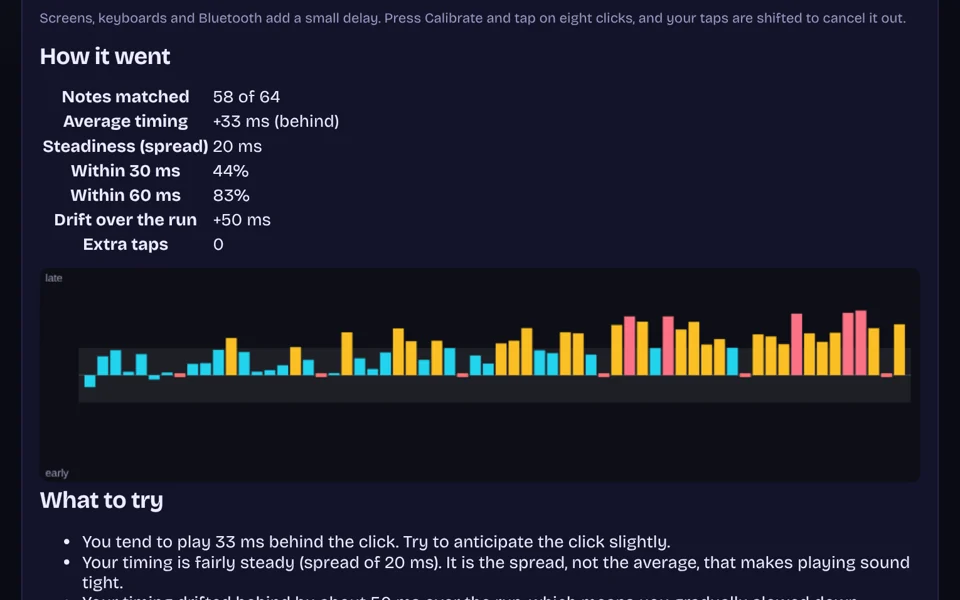
Rhythm trainer
Tap along to a click and see how steady your timing is.
Open Rhythm trainer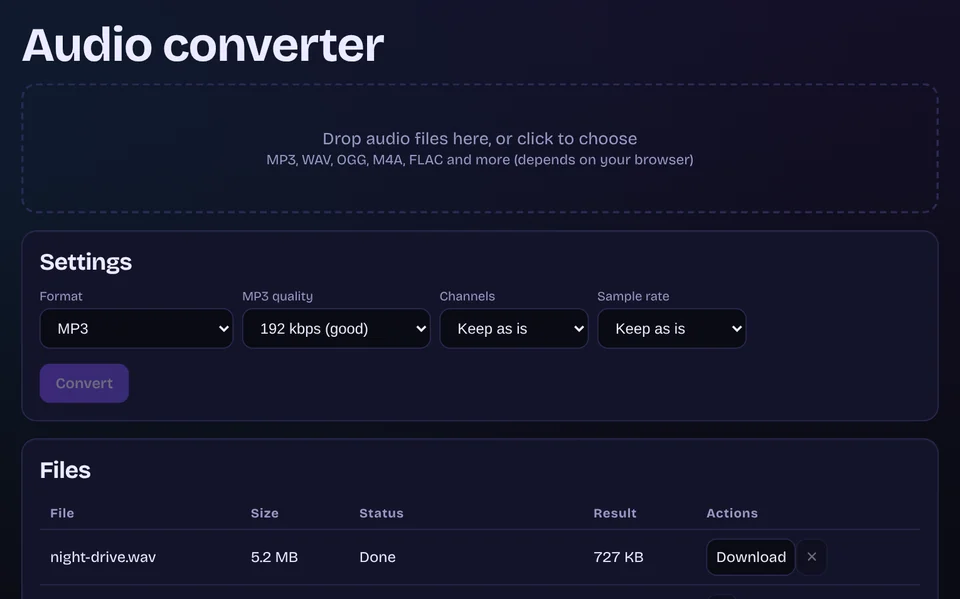
Audio converter New
Convert audio to MP3 or WAV, one file or many, then download a ZIP.
Open Audio converter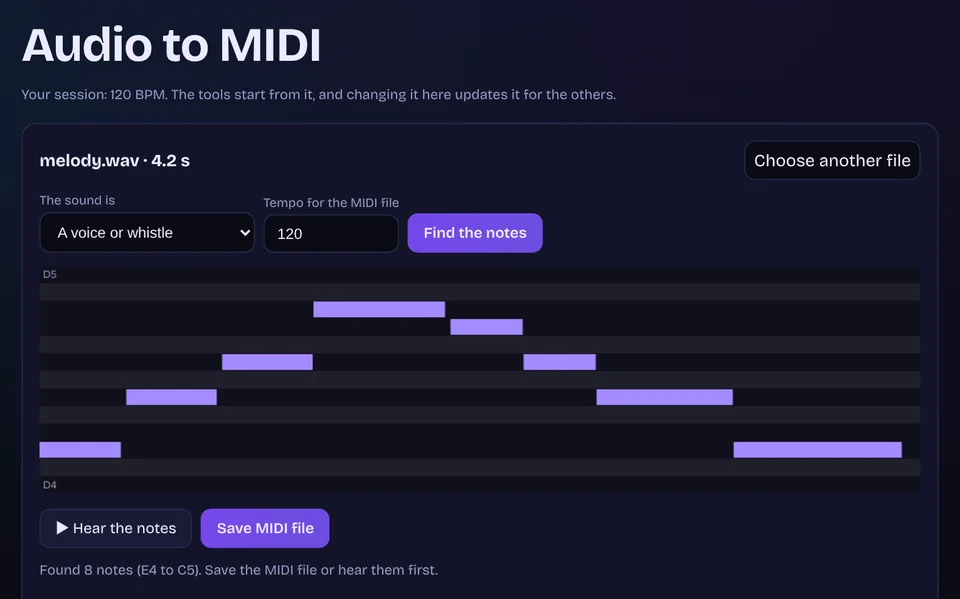
Audio to MIDI
Turn a sung or played melody into a MIDI file.
Open Audio to MIDIDJ
Mix live, and know your music before you play it.
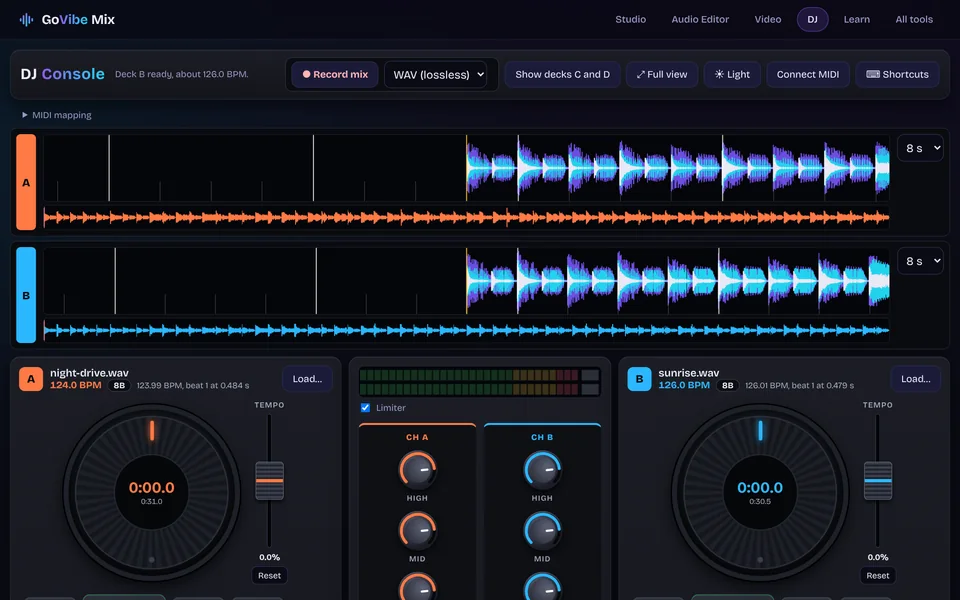
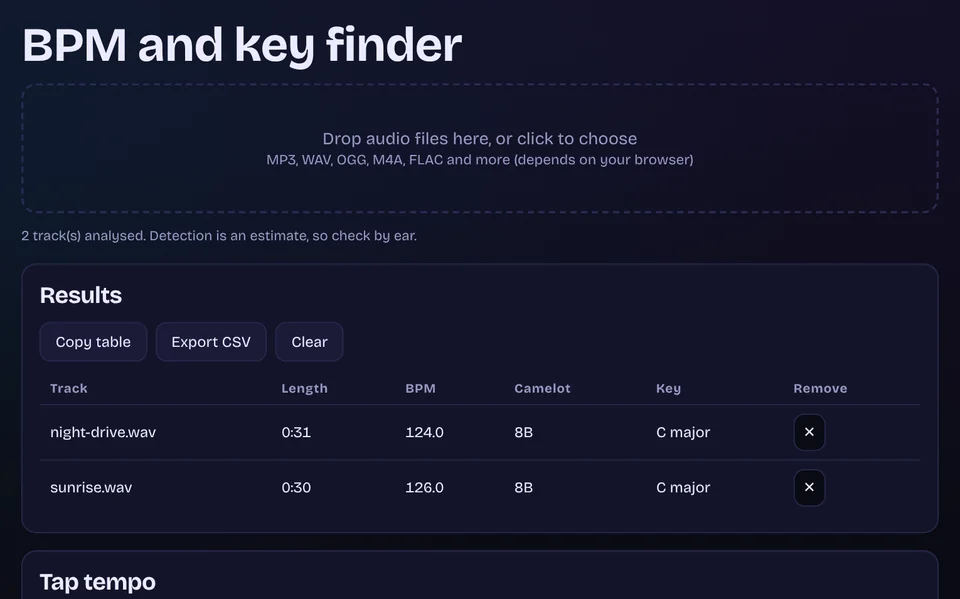
Learn
Short lessons you can try straight away in the tools.
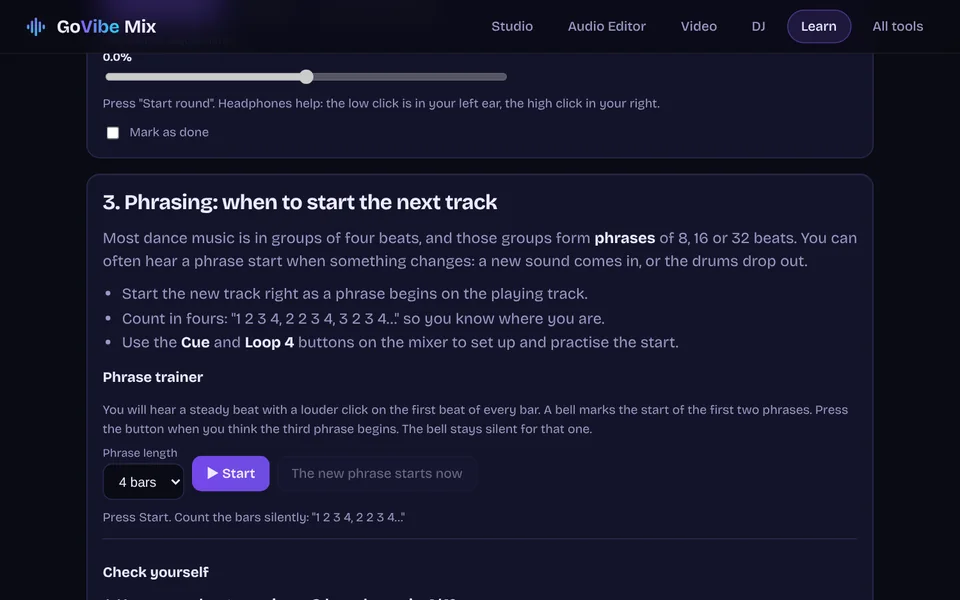
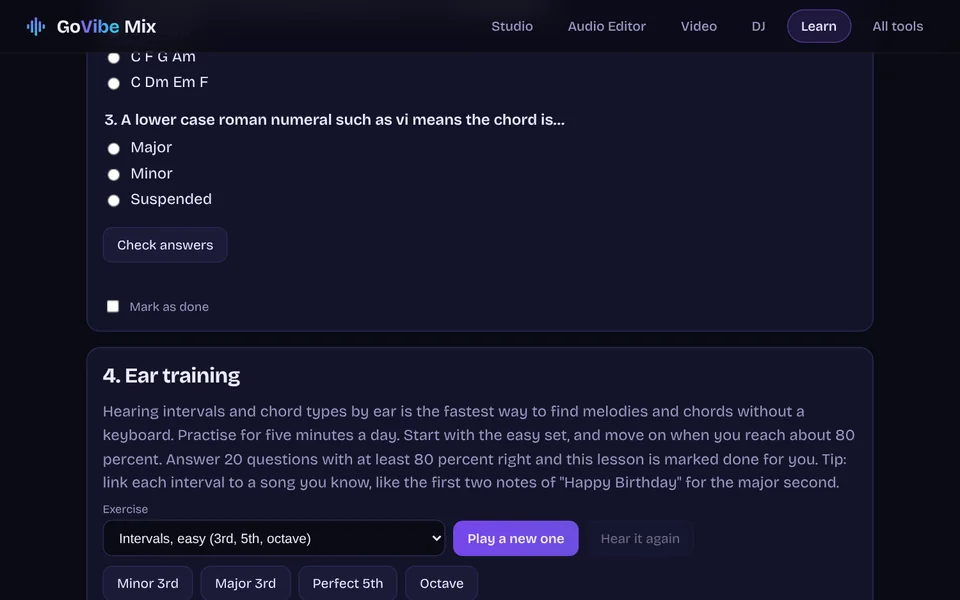
Quick utilities
Small single jobs, done in a few clicks.
Open a tool and start.
No account, no upload, no subscription. It all happens on your device, and it works offline once loaded.